Best Offline Code Snippet Managers in 2026 (Privacy-First)
If your snippets live in the cloud, they’re someone else’s problem waiting to happen.
API keys, proprietary algorithms, database schemas, auth tokens — developers store sensitive code in snippet managers every day. And most popular tools quietly sync everything to a remote server. That’s a liability most developers haven’t thought through.
This guide covers the best offline-first code snippet managers in 2026, ranked by privacy posture, performance, and practical usability.
Why Go Offline-First?
Before the list: a quick case for why offline matters.
Cloud snippet tools have real risks:
- Your snippets are stored on servers you don’t control
- Breaches happen (even to major SaaS providers)
- Internet dependency means no access during outages or travel
- Terms of service can change — your data becomes a bargaining chip
- Enterprise environments often prohibit cloud storage of proprietary code
Offline tools give you:
- Complete control over your data
- Minimal network attack surface (no sync, no telemetry)
- Sub-millisecond access regardless of connectivity
- Compliance with air-gapped or high-security environments
The Best Offline Code Snippet Managers in 2026
1. ZetoPad — Best for Privacy + Performance
Platform: macOS, Windows, Linux
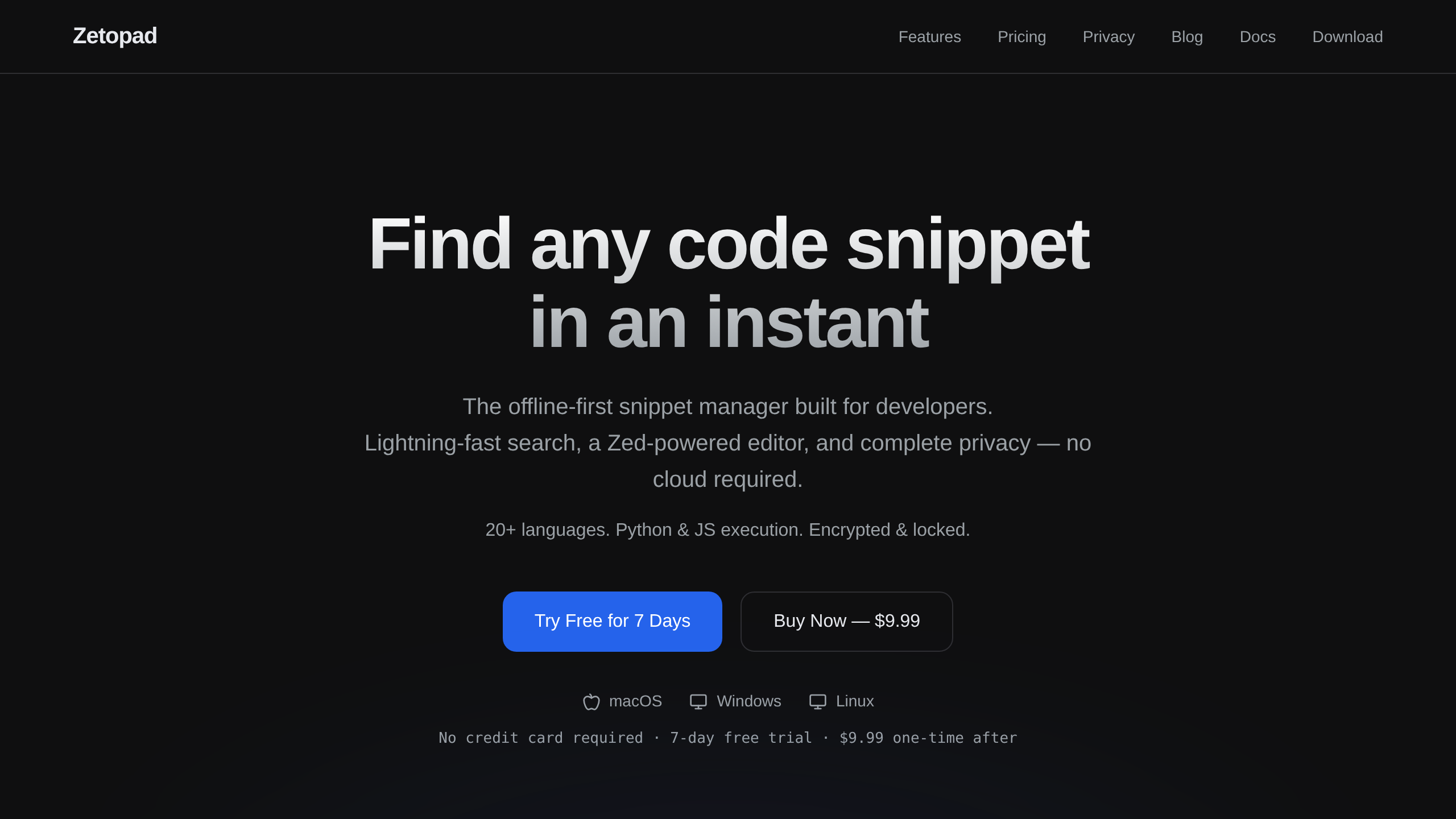
Price: $9.99 one-time
Trial: 14 days free, no credit card required
ZetoPad is purpose-built for developers who refuse to compromise on privacy or speed. Your snippets never sync anywhere by design — not an offline mode you have to enable, but a fundamental architectural decision. The only outbound requests are update checks and optional dictionary/runtime downloads, both of which you can turn off.
Key specs:
- Sub-10ms typeahead search across 50,000+ snippets
- Tree-sitter syntax highlighting for 20+ languages
- Run Python and JavaScript directly via WASM — no runtime installation needed
- SQLCipher AES-256 encryption at rest
- Screen lock with configurable auto-lock timer
- Smart filter syntax:
lang:python,tag:auth,folder:work - Single license works across all your devices (Mac + Windows + Linux)
- Lifetime updates, 30-day money-back guarantee
After the 14-day trial, the app switches to read-only mode — your data is never held hostage.
Best for: Developers handling API keys, proprietary code, or working in security-sensitive environments.
2. massCode — Best Free Option
Platform: macOS, Windows, Linux
Price: Free (open source, AGPL v3)
massCode is the most feature-rich free snippet manager available. It stores data as plain files on your machine, which means you can sync via iCloud, Dropbox, or Git — but it’s your call whether you do.
Key features:
- Code snippets with CodeMirror editor + Prettier formatting
- Markdown notes with Mermaid diagrams and mind maps
- Math notebook with natural-language input
- Developer utilities (Base64, JSON, UUID, hash, color picker)
- VS Code and Raycast extensions
- Available in 15 languages
Trade-offs vs ZetoPad:
- No encryption (data stored as plain Markdown)
- No built-in code execution
- Search speed unspecified (likely slower at scale)
- Open source = community maintained, not commercially supported
Best for: Developers who want a free, offline tool and don’t store sensitive credentials in snippets.
3. SnippetsLab — Best Native macOS Experience
Platform: macOS only
Price: Free (Mac App Store)
SnippetsLab is a polished, Mac-native snippet manager with excellent design and a deep feature set. It uses iCloud for sync — which is optional but enabled by default.
Key features:
- Syntax highlighting for 600+ languages with Apple Core ML auto-detection
- Full Markdown support (Mermaid, LaTeX, live preview)
- File attachments (screenshots, docs, assets)
- Menu bar companion app (SnippetsLab Assistant)
- 18 built-in themes + custom CSS
Trade-offs:
- macOS only — no Windows, no Linux
- iCloud sync by default (not air-gapped)
- No code execution
- No encryption
Best for: macOS developers who want a beautiful, polished experience and don’t need cross-platform or encryption.
Head-to-Head Comparison
| ZetoPad | massCode | SnippetsLab | |
|---|---|---|---|
| Price | $9.99 one-time | Free | Free |
| Platforms | Mac/Win/Linux | Mac/Win/Linux | Mac only |
| Encryption | ✅ AES-256 | ❌ | ❌ |
| No snippet sync | ✅ never syncs | ✅ (no cloud by default) | ⚠️ (iCloud optional) |
| Code execution | ✅ WASM | ❌ | ❌ |
| Search speed (50k snippets) | Sub-10ms | Unspecified | Unspecified |
| Open source | ❌ | ✅ | ❌ |
| Cross-platform license | ✅ | ✅ | ❌ |
Which One Should You Use?
Use ZetoPad if:
You store anything sensitive — API keys, credentials, proprietary algorithms — and you want the fastest, most secure offline snippet manager available. The $9.99 one-time cost pays for itself the first time you avoid a security incident.
Use massCode if:
You’re on a tight budget, your snippets aren’t sensitive, and you value the open-source ecosystem. It’s powerful and free.
Use SnippetsLab if:
You’re on Mac, you want a native, polished experience, and you don’t need Windows/Linux or encryption.
The Privacy Verdict
For developers who take security seriously, ZetoPad is the clear choice. It’s the only snippet manager in this list that combines:
- Verifiable air-gap (no network connections at all)
- AES-256 encryption at rest
- Cross-platform support
- Sub-10ms search performance at scale
- Built-in code execution without external dependencies
Free tools are fine until they’re not. Your snippets hold the keys to your infrastructure. Treat them accordingly.
Try ZetoPad free for 14 days →
Last updated: April 2026